
AI Image Resizer
Click to upload image
File size cannot exceed 10MB
Click or drag the image you want to resize to the upload area.
Choose your target ratio from the preset aspect ratio list (e.g., 9:16, 1:1, 4:3).
0Credits
The create result will be displayed here
Img2Img
Img2Vid
Remove Video Watermark
AI Smart Resize — Perfect Framing Without Cropping
Tired of manually cropping images for different platforms? WeryAI's Smart Resizer automatically detects and locks onto your main subject, then uses AI-powered creative fill to expand backgrounds, perfectly fitting any aspect ratio while keeping every image visually centered.
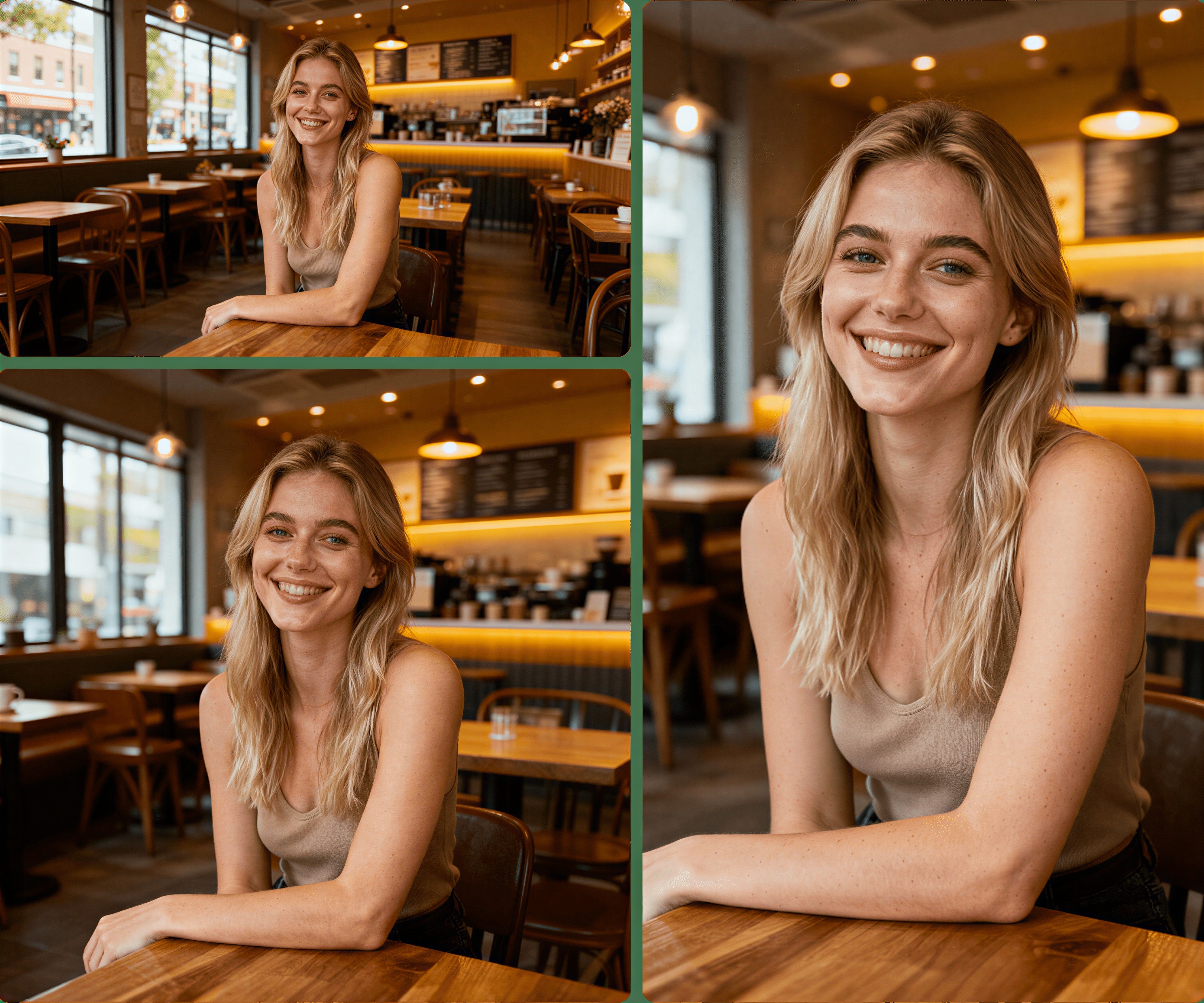
Key Features
Smart Subject Detection — Center Stage, Always
No matter which ratio you choose, our AI precisely identifies and locks onto the core subject (people, products, etc.). When resizing, it ensures your subject stays in the optimal composition position—never accidentally cropped.
AI Creative Fill — Smart Background Extension
This is real magic! When converting landscape to portrait, AI doesn't brutally stretch. Instead, it intelligently analyzes the original background's texture and elements, creatively "painting" the missing top/bottom sections for seamless natural extension.
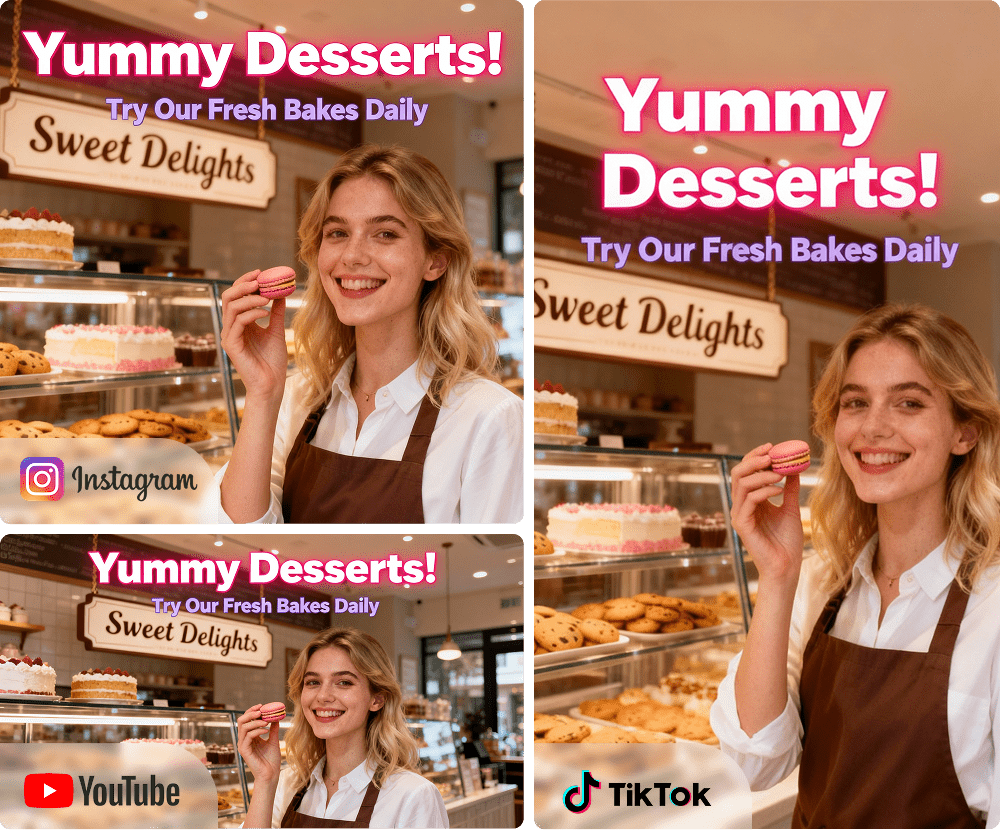
Golden Ratio Presets — One-Click Multi-Platform
We've preset all mainstream platform golden ratios. Whether it's 16:9 for YouTube covers, 9:16 for TikTok/Shorts, or 1:1 for Instagram squares, one tap gets you perfectly fitted images.
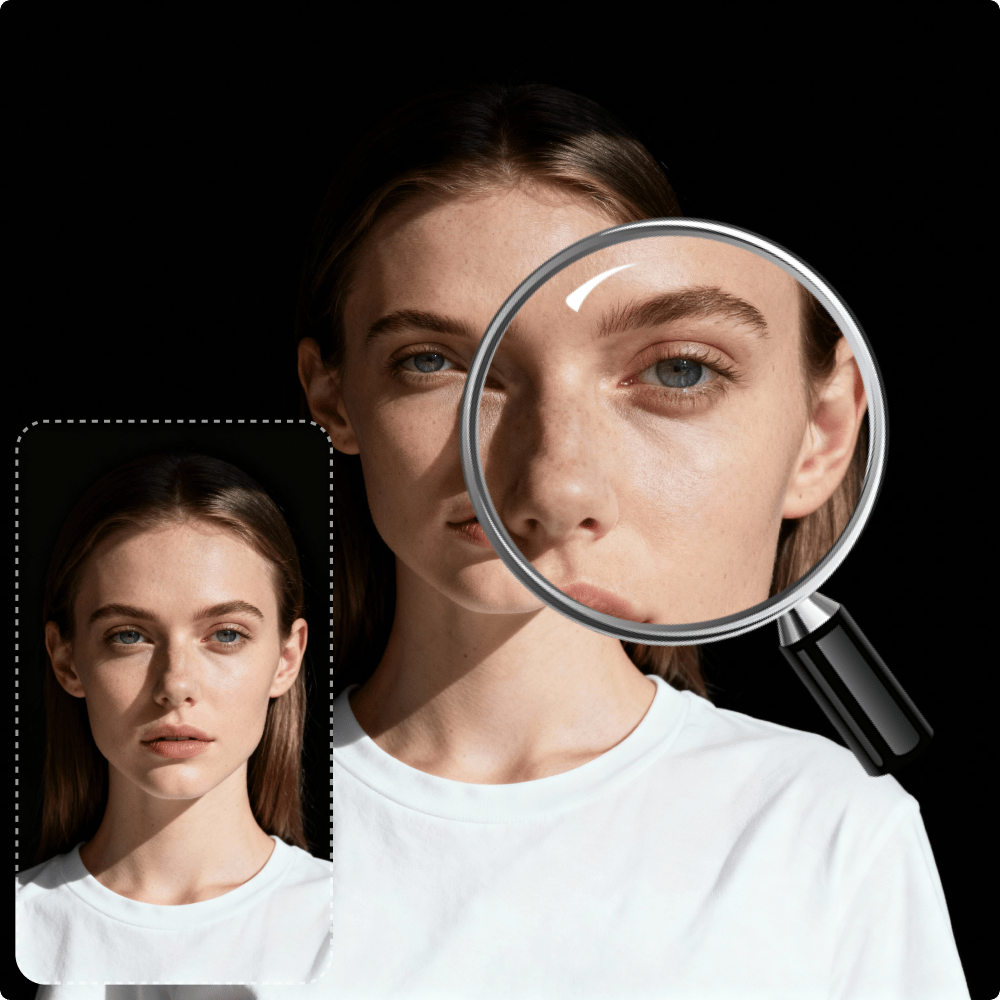
Lightning Fast, Lossless Quality
Advanced cloud processing ensures ultra-fast resizing. All operations maintain original quality, keeping your images crisp and sharp at any size.
Three Steps to Fit Any Size
1
Upload Image
Click or drag the image you want to resize to the upload area.
2
Choose Aspect Ratio
Select your target size from the preset aspect ratio list (e.g., 9:16, 1:1, 4:3).
3
Generate & Download
Click "Generate" and AI will complete smart adjustments and background expansion in seconds. Preview and download your HD result!
Explore More WeryAI Visual AI Tech
AI Image Text Translation
AI Background Remover
AI Subtitle Remover
Frequently Asked Questions
What is AI Smart Resize?
How is this different from regular "crop" tools?
Will AI-generated backgrounds look fake?
Which aspect ratios are supported?
Is this tool free?
Are my uploaded images safe?